Laptop Buying Guide 2026 - Find Your Perfect Laptop
This guide is maintained as decision support content and linked to live comparison inventory.
Finding the Perfect Laptop
Whether you need a laptop for work, school, creative projects, or gaming, this comprehensive guide will help you navigate the options and find the best laptop for your needs and budget in 2026.
Types of Laptops
Ultrabooks
Thin, lightweight laptops ideal for business and travel. Examples: MacBook Air, Dell XPS 13, Lenovo ThinkPad X1.
Gaming Laptops
Powerful GPUs and high-refresh displays for gaming. Examples: ASUS ROG, MSI, Razer Blade.
2-in-1 Convertibles
Laptops that convert to tablets. Examples: Surface Pro, HP Spectre x360, Lenovo Yoga.
Budget Laptops
Affordable options for basic tasks. Examples: Acer Aspire, HP Stream, Chromebooks.
Key Specs to Consider
Processor (CPU)
Intel Core i5/i7 or AMD Ryzen 5/7 for general use. Intel Core i9 or AMD Ryzen 9 for power users. Apple M-series chips offer excellent efficiency.
RAM
8GB minimum for basic use. 16GB for multitasking and light creative work. 32GB+ for video editing and professional applications.
Storage
256GB SSD minimum. 512GB recommended. Always choose SSD over HDD for speed.
Display
1080p minimum. 14-15 inch for best balance. Consider OLED for color accuracy.
Battery Life
8+ hours for portable use. 10+ hours for all-day work without charging.
Save on Your Laptop Purchase
Laptops have significant price variations across retailers. Use NexaWeb to compare prices from Amazon, eBay, and other sellers. You can save hundreds by finding the best deal across platforms.
Top Picks - Compare Prices Now
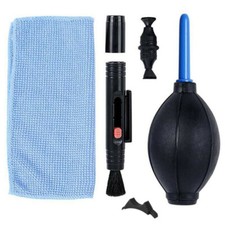
Sensor Lens Rubber Dust Blower Pen Camera Phone PC Laptop Cl
$7.69
Dual Monitor Stand for Desk, Desk Monitor Riser 3 Height Adj
$32.99
Ulanzi RT02 Universal Teleprompter Prompter DSLR Camera Smar
$131.90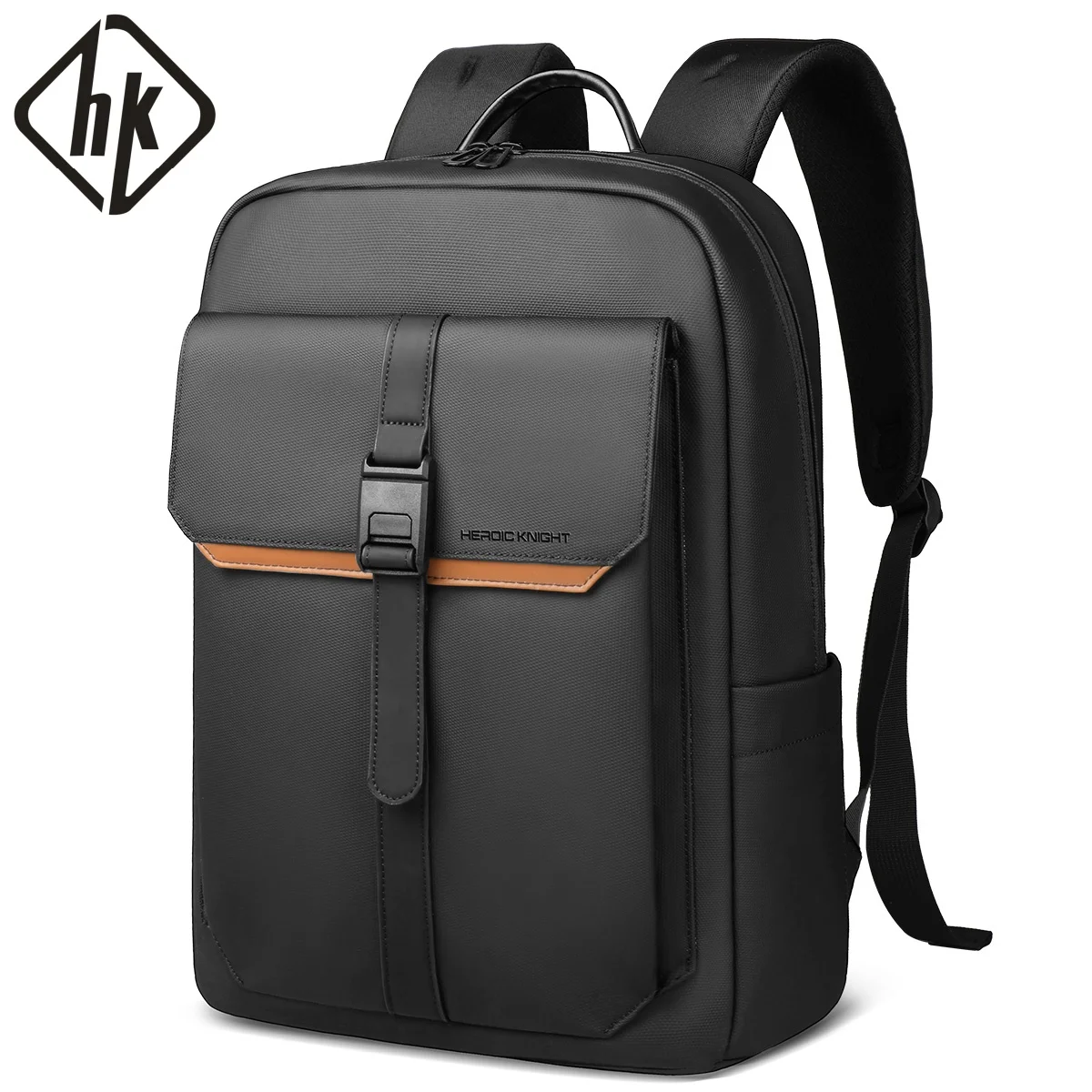
HK Stylish Business Backpack for Men Waterproof 15.6 inch Fl
$39.19
Full 1080P HD Auto Focusing Webcam Stream Web Camera w/ Mic
$7.50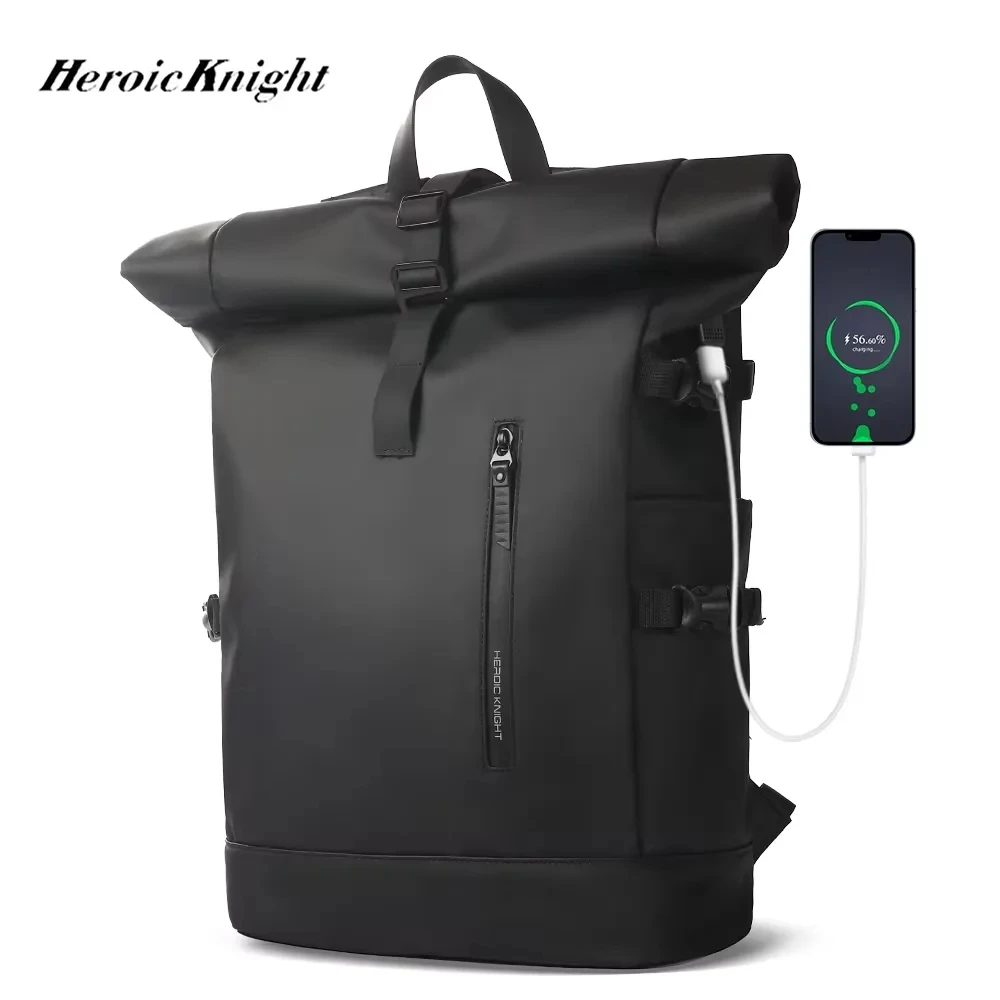
Heroic Knight Men's backpack Waterproof Roll Top Backpack Wo
$124.96
UGREEN Laptop Stand For Macbook Pro Foldable Aluminum Vertic
$46.15
Lenovo Wireless Bluetooth Mouse Multi-Touch Ergonomic Silent
$12.26Frequently Asked Questions
Related Guides & Pages
Best Electronics Products Browse Electronics Today's Deals All Buying Guides Set Price Alerts The Ultimate Headphones Buying Guide (20 Smartphone Buying Guide 2026 - Find Your Smart Home Buying Guide - Best Devices & Complete Skincare Buying Guide & Routine Home Gym Buying Guide - Best Equipment &Decision Checklist Before You Buy
Before checkout, run a quick decision checklist. First, confirm this product solves your actual problem, not just an imagined one. Second, confirm it fits your constraints: size, compatibility, materials, and maintenance. Third, confirm your final cost including shipping, taxes, and any required add-ons. Fourth, confirm support conditions such as return windows and warranty. These four checks take only a few minutes and can prevent most post-purchase frustration.
Use this guide as context, then verify details on the product page. Guides explain what matters; listings confirm what you are getting right now. If details are inconsistent between title, bullets, and description, pause the purchase and compare with another listing. Better listing clarity usually means better post-purchase experience.
When comparing two close options, choose based on reliability signals rather than marketing extras. Look for stable review patterns, clearer specification depth, and stronger policy transparency. For many shoppers, the safest option is not the one with the most features; it is the one with fewer unknowns.
If you still feel uncertain, step back and apply the value-tier method again: budget, balanced, premium. Decide which tier matches your usage frequency and risk tolerance. Daily-use products usually justify higher quality. Occasional-use products often do not. This simple principle keeps spending aligned with real benefit.
A good purchase decision is rarely about finding a perfect product. It is about finding the best trade-off for your needs at a fair current price. With that mindset, you avoid impulse choices, reduce return rates, and build a shopping system that gets better each time you use it.