Smart Home Buying Guide - Best Devices & Setup Tips (2026)
This guide is maintained as decision support content and linked to live comparison inventory.
Getting Started with Smart Home
Smart home technology has become more accessible and affordable than ever. This guide helps you build a connected home that works for you, from choosing the right ecosystem to picking the best devices.
Choose Your Ecosystem
Amazon Alexa
The largest compatible device ecosystem. Great for shopping, wide range of skills and smart home integrations.
Google Home
Best for search and information queries. Excellent integration with Google services and Android devices.
Apple HomeKit
Best privacy and security. Seamless integration with iPhone, iPad, and Mac. Premium price point.
Essential Smart Home Devices
Smart Speakers
The hub of your smart home. Start with one in your main living area.
Smart Lights
Easy to install, huge impact. Color-changing options add ambiance to any room.
Smart Plugs
The cheapest way to make existing devices 'smart'. Control lamps, fans, and more.
Smart Security
Video doorbells, cameras, and smart locks for peace of mind.
Compare Smart Home Prices
Smart home devices often go on sale during Prime Day and Black Friday. Use NexaWeb to compare prices year-round and set up alerts for your wishlist items.
Top Picks - Compare Prices Now

RGBIC Smart Table Lamp 2, Touch Bedside Small Table Lamp Wor
$118.34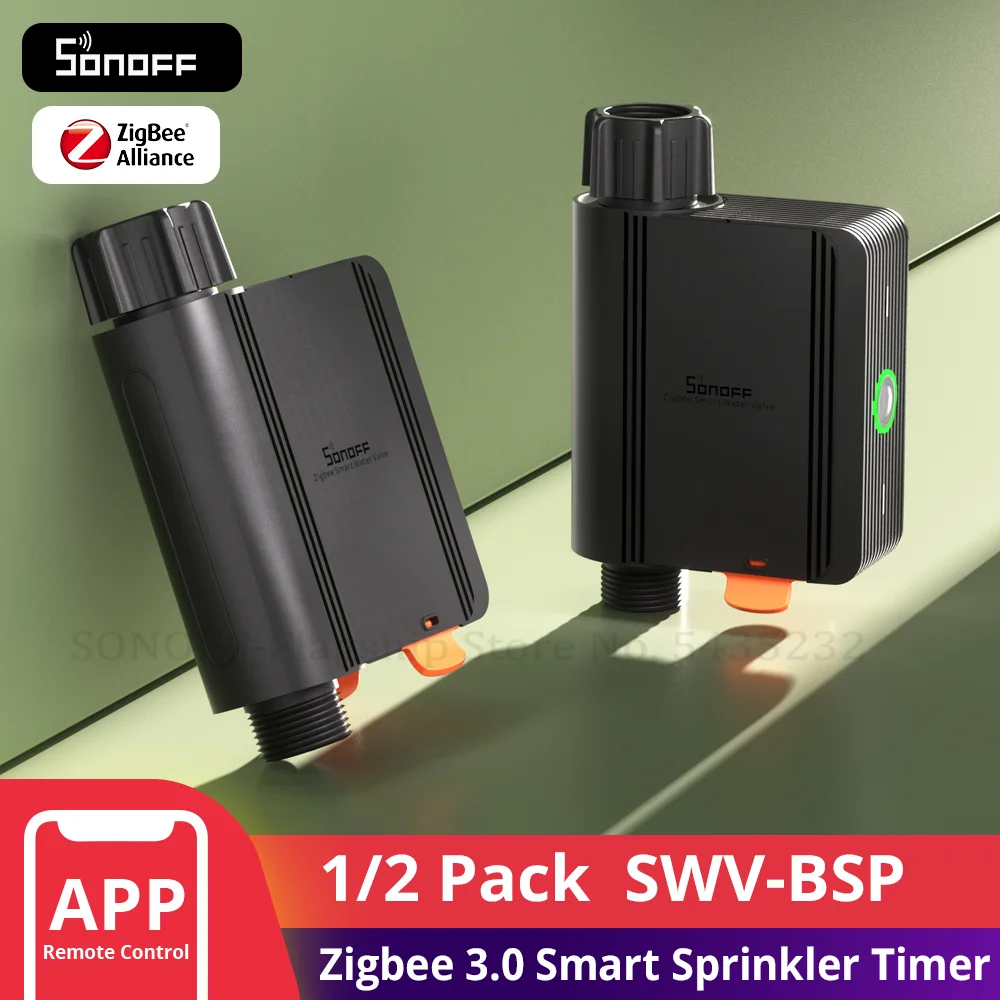
1-2 PCS SONOFF SWV BSP Thread Standard Zigbee Smart Water Va
$53.80
Insoma Wifi Automatic Sprinkle Timer Remote Garden Water Tim
$90.78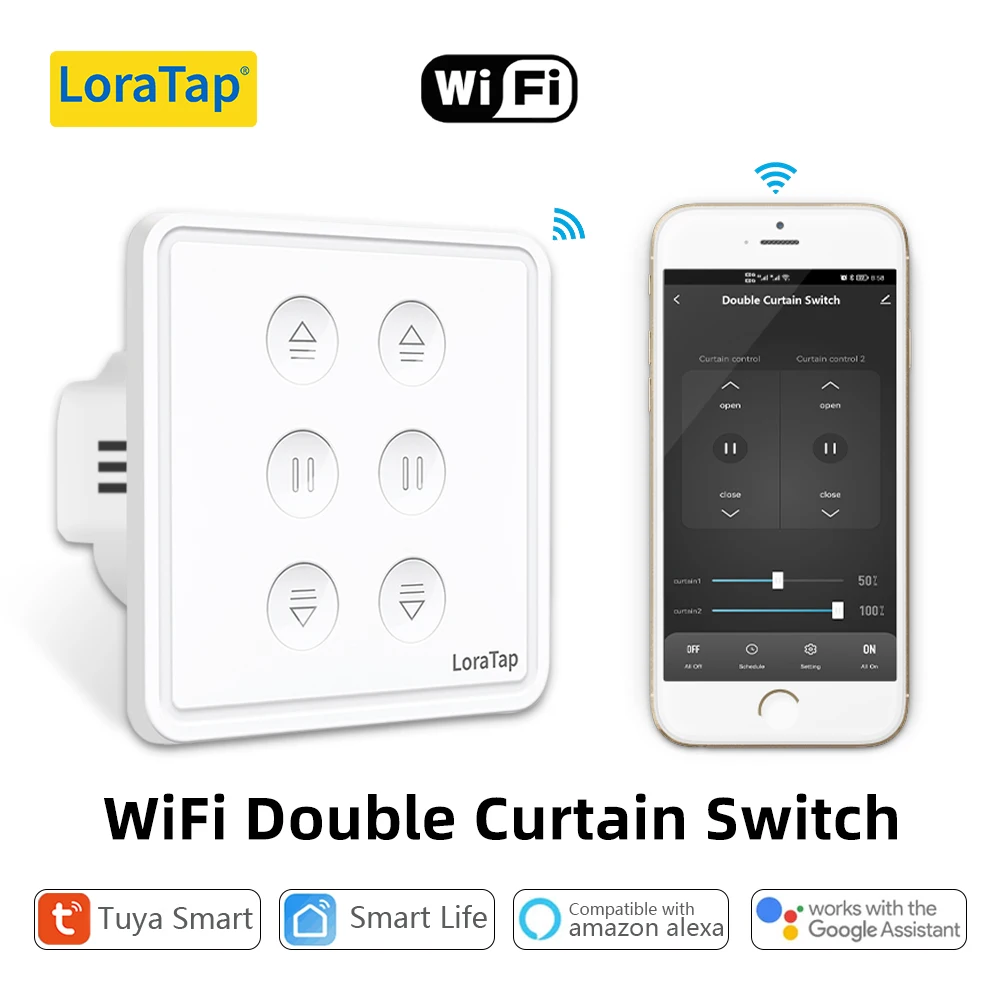
Tuya Smart Life EU WiFi Double Curtain Blind Switch for Roll
$20.00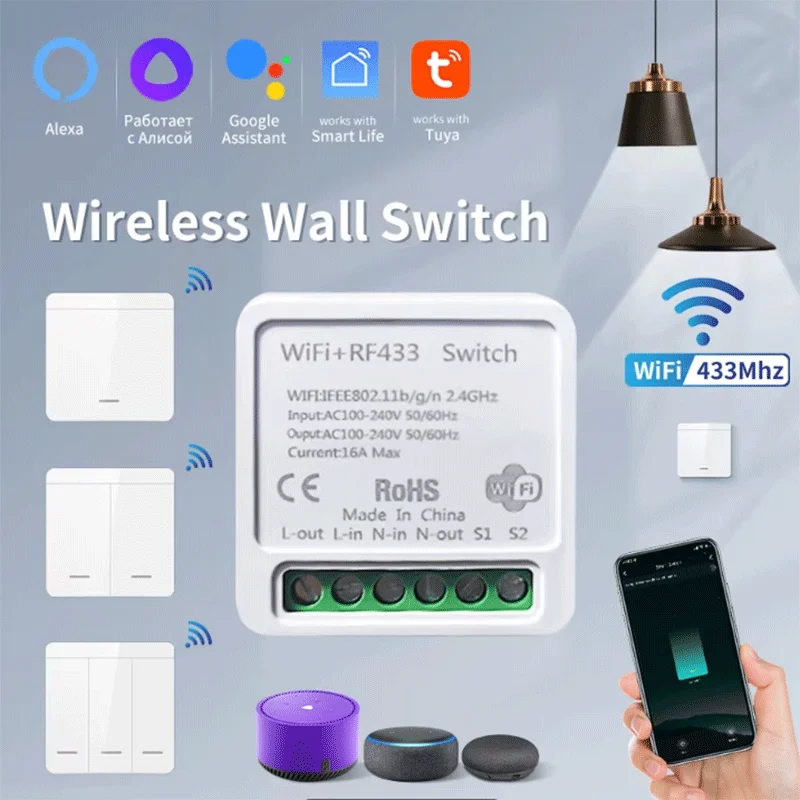
Tuya WiFi Smart Light Switch Smart Home Wireless RF 433mhz P
$17.94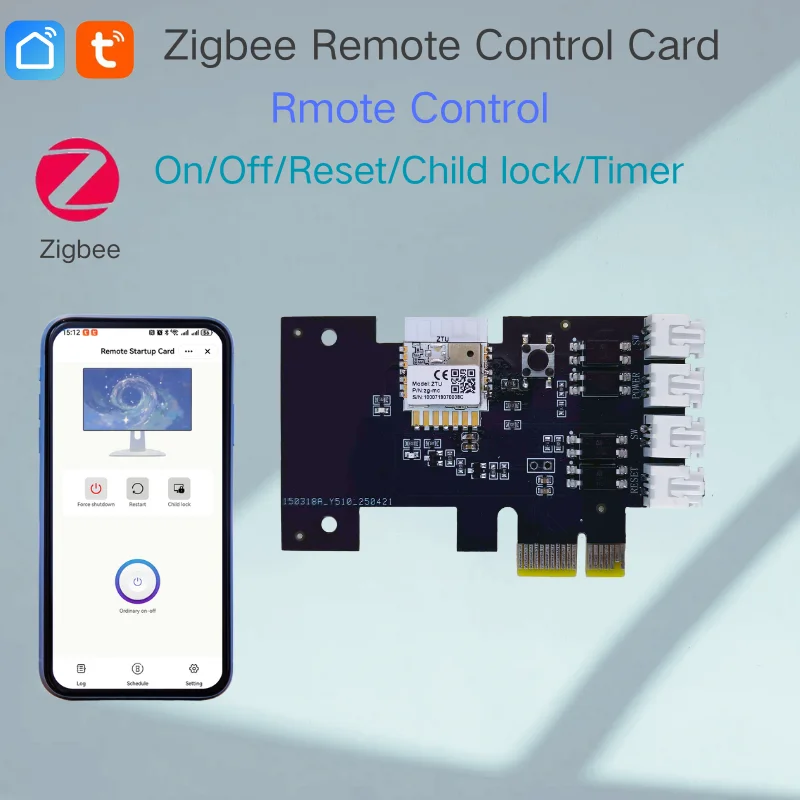
Tuya Smart ZIGBEE PCIE Control Card Remote PC Power On/Off v
$34.11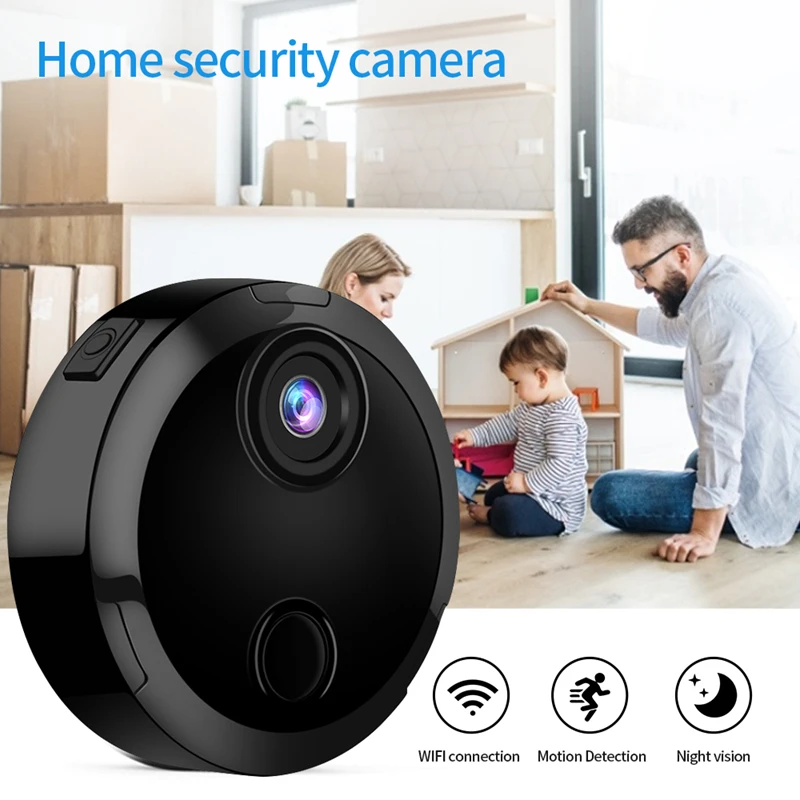
Mini 1080P HD WiFi Camera Wireless Surveillance Night Vision
$36.71
SONOFF Zigbee 3.0 USB Dongle Plus ZBDongle-E Smart Home Zigb
$24.35Frequently Asked Questions
Related Guides & Pages
Best Electronics Products Browse Electronics Today's Deals All Buying Guides Set Price Alerts The Ultimate Headphones Buying Guide (20 Smartphone Buying Guide 2026 - Find Your Laptop Buying Guide 2026 - Find Your Per Complete Skincare Buying Guide & Routine Home Gym Buying Guide - Best Equipment &Decision Checklist Before You Buy
Before checkout, run a quick decision checklist. First, confirm this product solves your actual problem, not just an imagined one. Second, confirm it fits your constraints: size, compatibility, materials, and maintenance. Third, confirm your final cost including shipping, taxes, and any required add-ons. Fourth, confirm support conditions such as return windows and warranty. These four checks take only a few minutes and can prevent most post-purchase frustration.
Use this guide as context, then verify details on the product page. Guides explain what matters; listings confirm what you are getting right now. If details are inconsistent between title, bullets, and description, pause the purchase and compare with another listing. Better listing clarity usually means better post-purchase experience.
When comparing two close options, choose based on reliability signals rather than marketing extras. Look for stable review patterns, clearer specification depth, and stronger policy transparency. For many shoppers, the safest option is not the one with the most features; it is the one with fewer unknowns.
If you still feel uncertain, step back and apply the value-tier method again: budget, balanced, premium. Decide which tier matches your usage frequency and risk tolerance. Daily-use products usually justify higher quality. Occasional-use products often do not. This simple principle keeps spending aligned with real benefit.
A good purchase decision is rarely about finding a perfect product. It is about finding the best trade-off for your needs at a fair current price. With that mindset, you avoid impulse choices, reduce return rates, and build a shopping system that gets better each time you use it.